Workers Management
Description
Workers are agents that execute flows. You can manage connected workers in the Suite Settings.
Motivation
Using dedicated workers allows you to run tests in specific environments (e.g., inside a private network) or distribute the load.
Usage
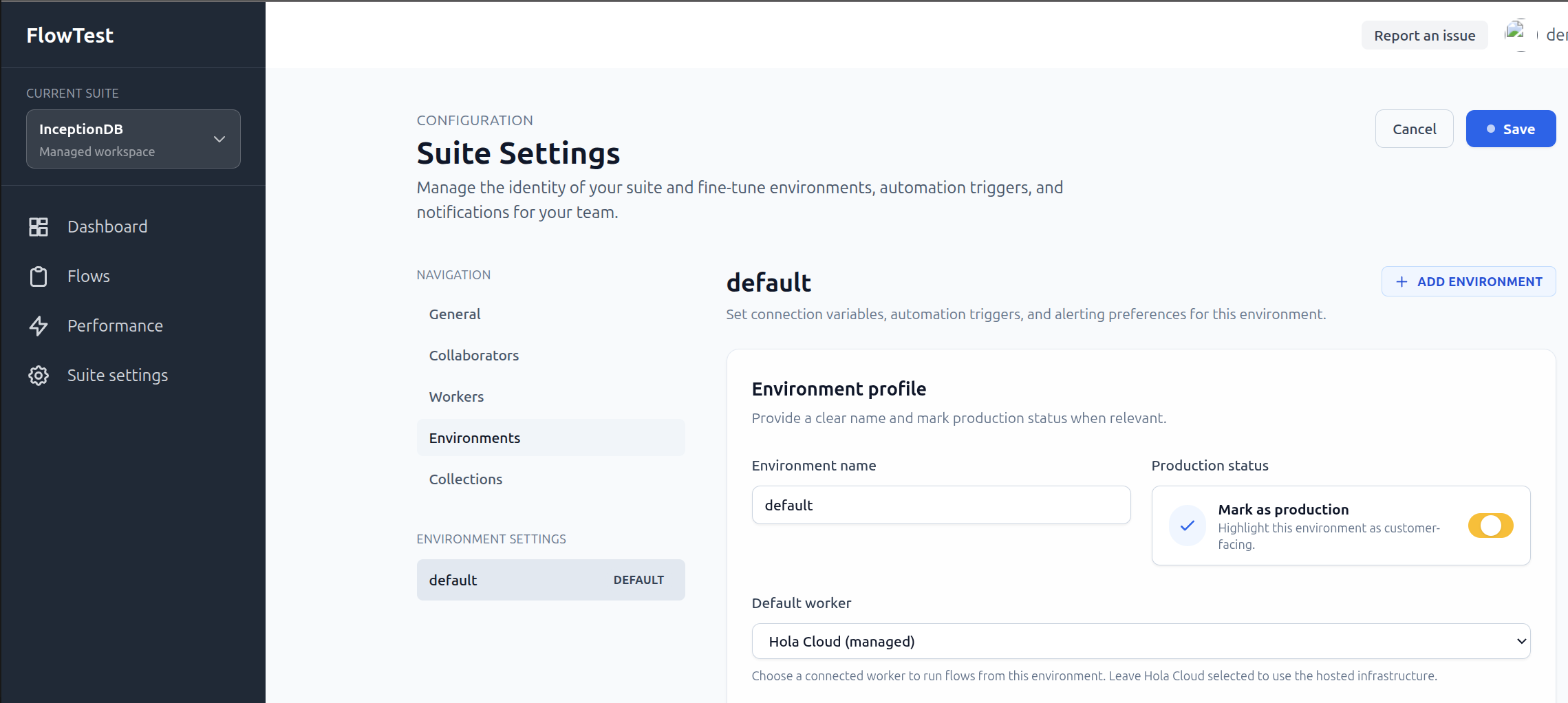
Navigate to Suite Settings > Workers to view the list of connected workers.
- Status: Check if a worker is currently connected or when it was last seen.
- ID: View the unique identifier for each worker.
- Pending Tasks: See how many tasks are queued for a specific worker.
Questions & Answers
Q: How do I connect a new worker?
A: Use the Flowagent CLI to
register and start a new worker pointing to your Flowtest instance.
Comments
Workers are assigned to environments. Ensure your environment configuration points to the correct worker group.